
At a glance
| Input | The invoice amount, how overdue it is, and what's going on |
| Output | A plain-text email, ready to paste into your email client |
| First run | Under 2 minutes |
| Requires | A Claude account with skills turned on. |
| Covers | Reminders, disputes, silent accounts, broken payment promises, partial payments |
| Built on | Upflow's Cash Collection Book |
| Data | Read in-session. Nothing connects to your systems or leaves Claude. |
Quickstart
- Download the skill. Upload the file as it is, without unzipping it: go to Customize → Skills, click +, then “Create skill”, then “Upload a skill”.
- Toggle the skill on.
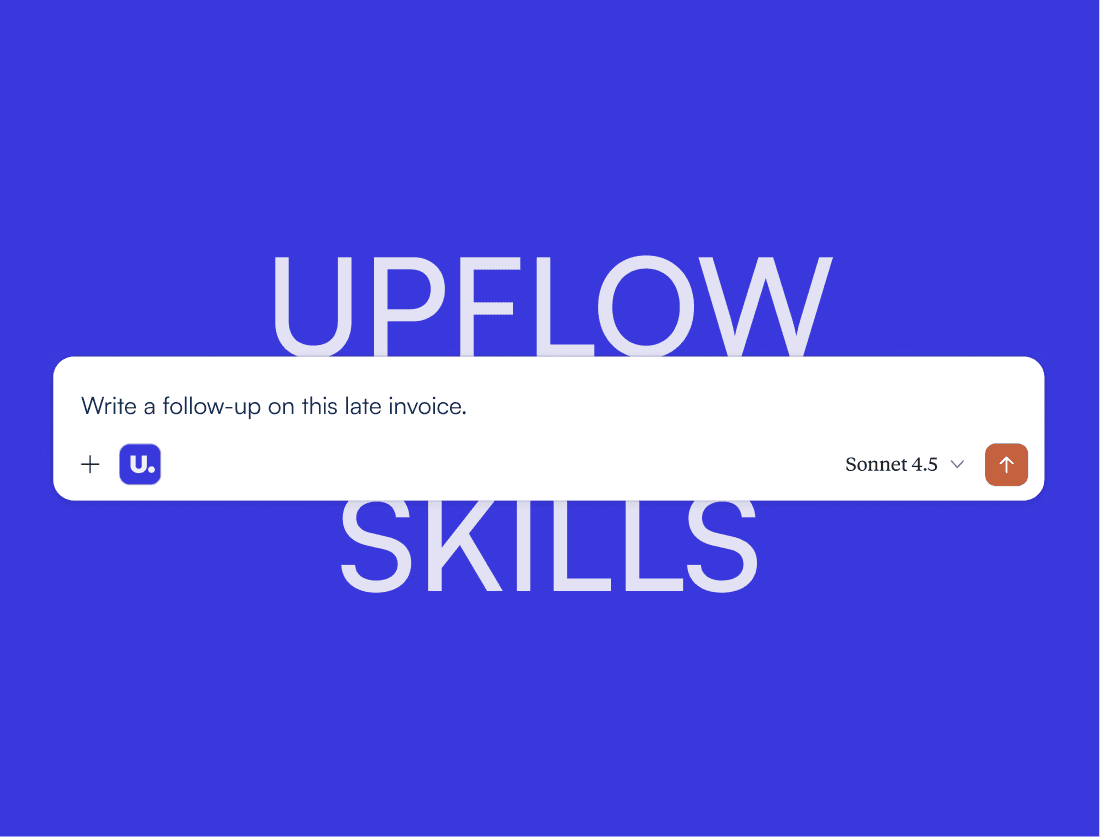
- Start a chat and type: “Write a follow-up on this late invoice.”
- Give the amount and how overdue it is, then tap through three short questions.
- Your draft arrives ready to paste, with a note on whether a call would land better.
Inputs
Give Claude the amount, how overdue it is, and what’s going on, and it drafts straight away. Anything you leave out, it asks for.
What Claude asks you:
- The invoice amount.
- How many days past due.
- What’s going on: a standard reminder, a dispute, silence, or a broken payment promise. Tapped, not typed.
Optional:
- The relationship: strategic, standard, new, or chronic late payer. Changes how firm the draft reads.
- How many reminders you have already sent.
- How this customer normally pays. One line is enough, and it is the biggest difference between a draft that sounds like you and one that sounds like a template.
- Contact and sender names.
Claude never invents a figure, a date, or a prior conversation. Anything you do not give it stays as a bracketed placeholder for you to fill before sending.
The email
Every draft is plain text and you get:
- A subject line.
- The invoice reference, amount, and how overdue it is.
- A line acknowledging what has already happened, so it never reads as a first email when it is not.
- One clear ask.
- A note on whether a call would land better, when that applies.
How the tone is set
How overdue an invoice is decides its stage, and the stage decides the tone:
| Days past due | Stage | Tone |
|---|---|---|
| Overdue severity | Confirmation | Assumes nothing is wrong yet |
| 0 to 15 | Reminder | A soft nudge |
| 16 to 45 | Resolution | Names the blocker and asks a specific question |
| 46 to 75 | Escalation | Firm, and says who else is now involved |
| 75+ | Enforcement | States a real consequence, with a date |
Troubleshooting
| Issue | Fix |
|---|---|
| The skill never runs | Check it is toggled on under Customize → Skills. |
| The draft is softer than you wanted | Tell Claude this is a chronic late payer, or how many reminders you have already sent. Either one shifts the draft firmer. |
| The draft is firmer than you wanted | Tell Claude this is a strategic account. That shifts it one stage softer. |
| There are brackets left in the draft | Those are details you did not give. Fill them in before sending, or give Claude the detail and ask again. |
| It asked questions you had already answered | Put the amount, the days overdue, and the situation in your first message. Claude skips the questions when it already has them. |
Frequently Asked Questions
Can’t find what you’re looking for?
Ask AI


No. The skill is free and runs on its own inside Claude.
No. The skill reads the CSV inside your Claude session. It does not connect to your ERP or send anything to Upflow.
No. It never invents a figure, a date, or something a customer said. Anything you have not given it appears as a bracketed placeholder.
Yes. It asks for the specifics of the claim, gives a date to send them by, and states that the invoice remains due while it is being looked into.
No. It classifies the invoice by how overdue it is and how the relationship stands, then writes to that. Two invoices at the same age get different emails if the relationships differ.
More Skills